
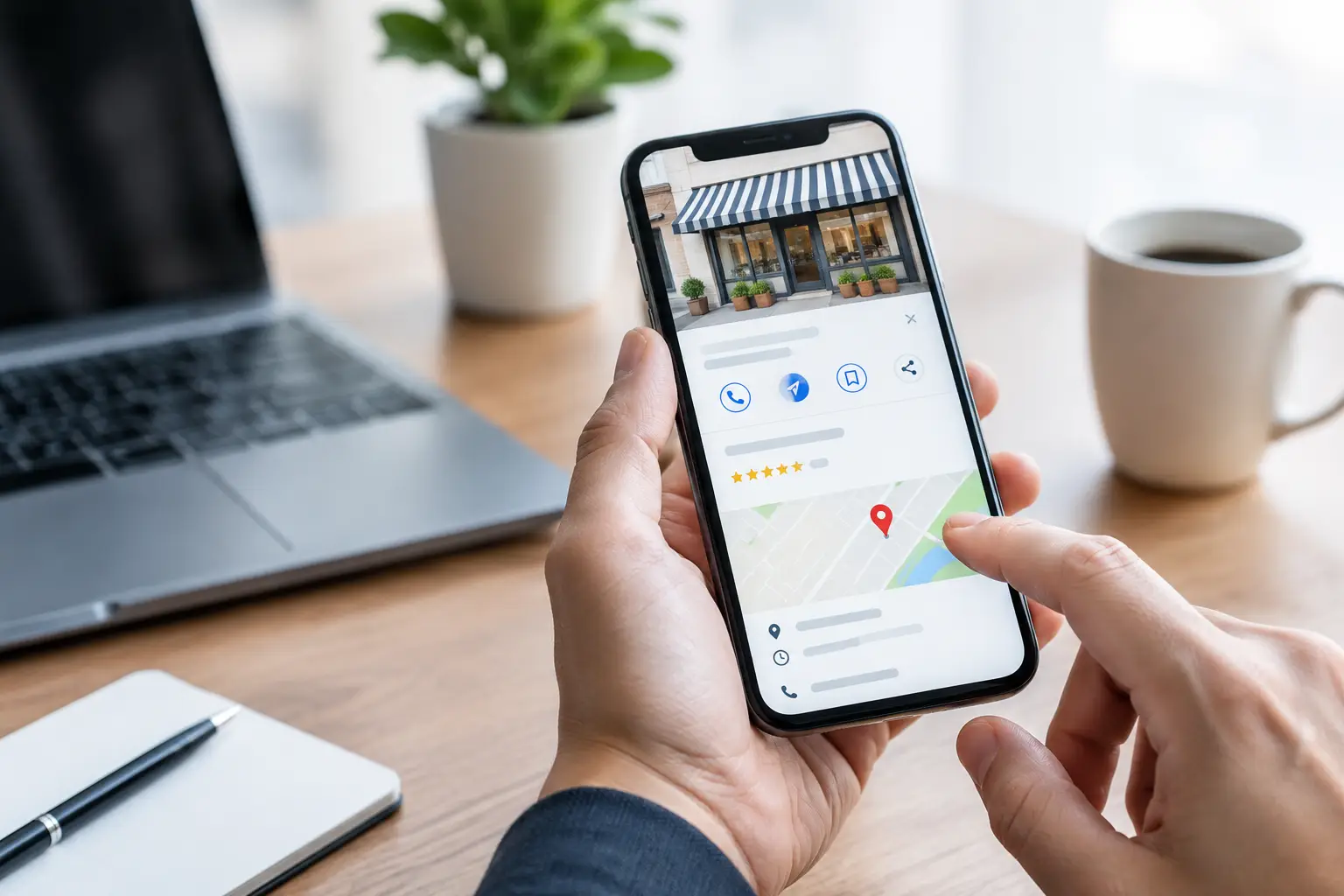
A customer searches for a nearby contractor, consultant, clinic, retailer, or service provider and sees three local businesses before they ever reach a website. If your information is incomplete, your reviews are stale, or your profile does not clearly explain what you do, that customer may call a competitor. This Google Business Profile management guide explains how small businesses can turn a free Google listing into a more credible source of calls, direction requests, appointments, and qualified leads.
Your Google Business Profile is not a set-it-and-forget-it directory listing. It is a public sales asset that helps Google understand your business and helps customers decide whether they trust it. Strong management supports local search visibility, but it also improves the customer experience after someone finds you.
Start With Accurate Business Information
The first job is simple: make every core detail correct. Google needs consistent information to confidently display your business in local results. Customers need the same consistency before they are willing to call, visit, or request a quote.
Confirm your business name, primary phone number, website, address or service area, hours, holiday hours, and primary category. Use the real-world business name customers see on signage and documents. Adding extra city names, services, or promotional language to the business name can create problems and make the listing look less trustworthy.
Your primary category deserves careful attention because it signals your core offering. A plumber should not choose a broad category when a more precise option is available. A marketing consultant, medical practice, home services company, or specialty retailer should choose the category that most directly reflects its main revenue-producing service. Secondary categories can add context, but they should not turn the profile into a catch-all.
For service-area businesses, be clear about whether customers visit your location or whether you travel to them. Do not create multiple profiles for every town you serve unless each location is a legitimate, separately staffed business location. A clean setup is more valuable than a larger footprint built on questionable information.
Complete the Profile Customers Actually See
A verified profile with only a name, phone number, and address is functional, but it does little to persuade someone who is comparing options. Complete the fields that help customers make a decision without forcing them to hunt for answers.
Write a business description that explains who you serve, what you provide, and what makes your approach useful. Keep it clear and specific. Rather than saying, “We deliver exceptional solutions,” explain the actual outcome: “We help homeowners repair storm damage, document insurance-related work, and schedule dependable service.”
Add services or products with plain-language names and useful descriptions. This is particularly valuable for companies with several high-value services, such as legal firms, healthcare providers, contractors, consultants, and manufacturers. Include the terms customers naturally use, but do not repeat keywords until the copy becomes awkward. The goal is clarity, not stuffing.
Attributes can also reduce friction. Depending on your business type, they may communicate accessibility, appointment availability, payment methods, ownership details, or service options. Add only details that are accurate and meaningful to customers.
Choose Photos That Prove You Are Real
Photos influence trust before a customer reads a word of your description. Use a recognizable logo and a strong cover image, then build out the profile with current images of your exterior, interior, team, equipment, completed work, products, or process.
For a local service company, before-and-after project photos can be persuasive. For a professional firm, clean team images and an inviting office environment may be more useful. For a retailer, show products in context, not just empty shelves. Avoid relying entirely on generic stock images. People want evidence that your business is established, active, and prepared to help.
Google Business Profile Management Guide: Build a Review System
Reviews are one of the clearest trust signals on a local listing. They affect whether customers contact you, and they give Google fresh evidence that people interact with your business. The goal is not to chase a perfect rating. It is to create a consistent, ethical process for requesting and responding to feedback.
Ask for reviews shortly after a successful customer interaction, when the experience is still fresh. A contractor might ask after a completed project walkthrough. A consultant might ask after a measurable win. A healthcare or wellness provider should follow the privacy rules that apply to their industry and never pressure patients to reveal personal details.
Make the request easy and direct. A short text or email is usually enough: thank the customer, explain that feedback helps other people find your business, and provide the review request method. Do not offer discounts, gifts, or other incentives in exchange for reviews. Those tactics can damage credibility and violate platform guidelines.
Respond to reviews consistently, including negative ones. A thoughtful response to criticism can demonstrate professionalism to every future customer reading it. Acknowledge the concern, avoid arguing publicly, and offer an appropriate next step. Do not disclose private customer details or make promises you cannot keep.
A profile with 60 reviews from three years ago sends a different message than one receiving genuine feedback each month. Consistency matters more than sudden bursts.
Publish Updates With a Purpose
Google Business Profile posts can support timely communication, but they should not become another channel that drains your team’s schedule. Use them when you have something practical to say: a seasonal service, a new offering, a helpful event, a project highlight, updated hours, or a limited-time promotion.
A useful post connects one customer need to one next step. For example, a roofing company could highlight a roof inspection service before storm season. A financial advisor could share an appointment availability notice before a major planning deadline. A boutique could feature a new product collection with clear store hours.
Posts will not replace a strong website, helpful service pages, or ongoing content. Think of them as supporting evidence that your business is active and responsive. If you cannot publish every week, publish when the update is relevant and well presented.
Use Questions, Messages, and Calls as Sales Signals
Customers often use a Google profile because they want an answer quickly. They may ask about pricing ranges, service areas, availability, parking, appointment requirements, or product availability. Monitor the profile regularly so these questions do not sit unanswered.
If messaging is available and appropriate for your workflow, only enable it when someone can respond quickly. An unanswered message creates the same frustration as an unanswered phone call. For businesses that cannot manage real-time messages, a clear phone number, website, and appointment path may produce a better customer experience.
Calls, website clicks, direction requests, and booking actions are not vanity metrics. They show how people are using your listing. Review performance data monthly, then look for patterns. If calls rise after adding project photos, collecting new reviews, or refining categories, continue that work. If website visits are high but inquiries are low, the problem may be on the website rather than in the profile.
Keep Your Profile Aligned With Your Website
Google Business Profile management works best when the listing and website tell the same story. Your primary services, locations, contact details, brand presentation, and customer promises should align. When a profile promotes a service that is barely mentioned on the website, customers and search engines receive mixed signals.
Create service pages that match the services customers seek locally. Make sure each page explains the service, the audience, the service area when relevant, and the action you want visitors to take. A useful profile can drive the click, but a weak or confusing website can still lose the lead.
This alignment also supports broader digital authority. Reviews, accurate business information, helpful service content, real photos, and a well-maintained website all reinforce the same message: this is a legitimate business that is easy to understand and ready to serve customers.
Avoid Shortcuts That Create Long-Term Problems
Local visibility is competitive, which makes shortcuts tempting. Avoid fake reviews, inaccurate categories, keyword-loaded business names, virtual-office listings that do not qualify, and duplicate profiles. These tactics can lead to suspensions, lost visibility, and a difficult cleanup process.
Also avoid treating every ranking change as an emergency. Local results change based on searcher location, competition, relevance, prominence, and many other signals. A profile can be fully optimized and still appear differently across nearby neighborhoods. Focus on improving the assets you control instead of reacting to every fluctuation.
For many small businesses, the right cadence is manageable: check for updates and customer activity weekly, request reviews as part of normal service delivery, add fresh photos monthly, and review performance and accuracy each quarter. AKR Marketing Designs helps businesses build that kind of practical system so visibility does not depend on guesswork or last-minute fixes.
A well-managed Google Business Profile does more than help you show up on a map. It gives customers a clear reason to trust you, contact you, and choose you when the moment to buy arrives.