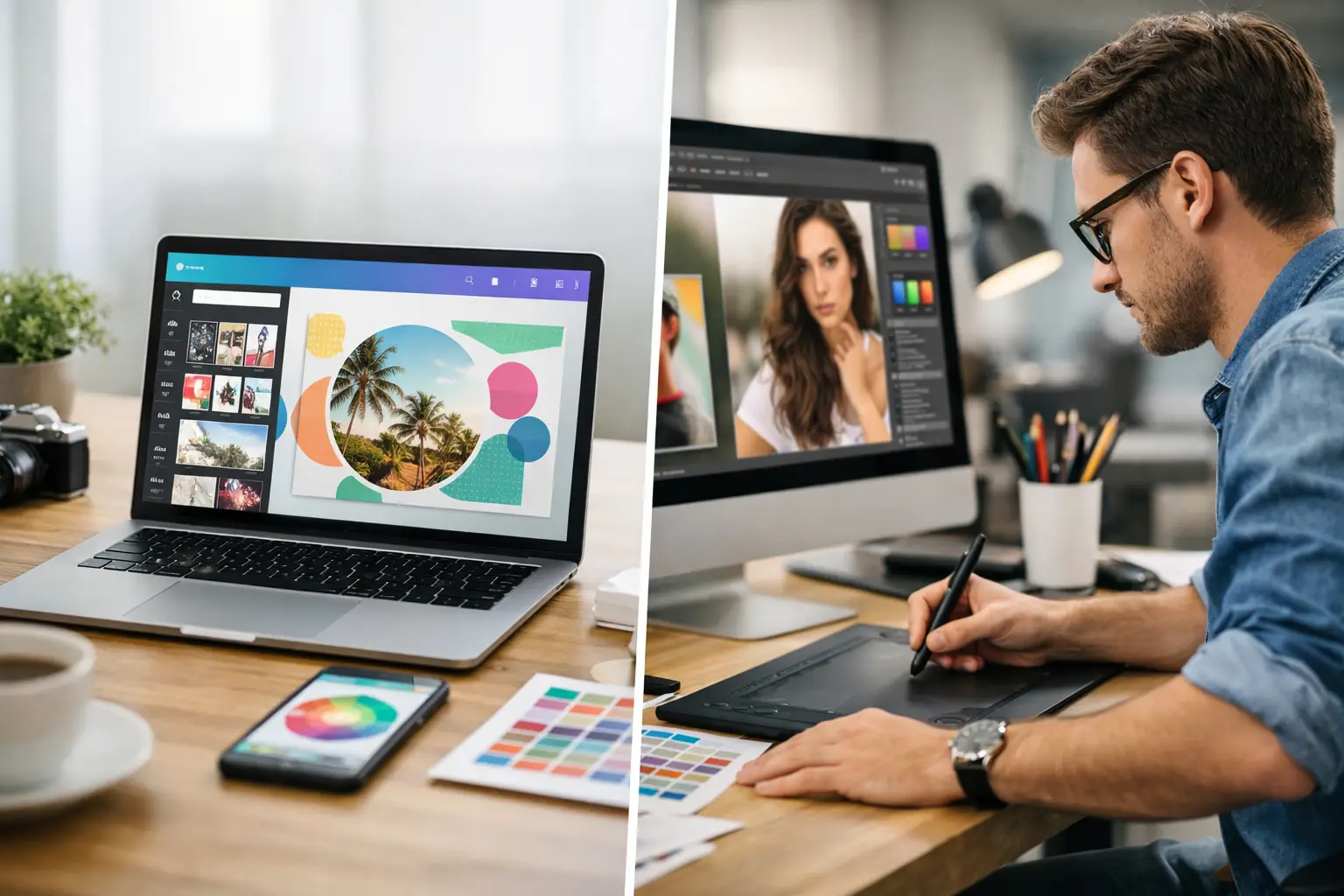
A lot of small business owners ask the same question right after opening Canva for the first time: if this tool is so easy to use, do I still need a designer? That is the real issue behind canva vs graphic designer. It is not just about cost. It is about whether your business needs quick visuals, a stronger brand presence, or both.
For many small businesses, Canva feels like a smart first step. It is affordable, fast, and accessible even if design is not your background. But ease of use is not the same as strategy, and a polished template is not always the same as professional brand design. The best choice depends on what you are creating, how visible your business is, and what is at stake when customers see your brand.
Canva vs graphic designer: what is the real difference?
Canva is a design platform. A graphic designer is a professional who solves visual communication problems. That difference matters more than it may seem.
Canva gives you templates, drag-and-drop tools, and a quick way to create flyers, social posts, presentations, and basic marketing materials. It helps non-designers move faster. For a business owner juggling sales, operations, customer service, and marketing, that convenience is valuable.
A graphic designer brings judgment, experience, and brand thinking. They are not just placing text on a layout. They are considering hierarchy, readability, audience behavior, brand consistency, print specs, file formats, and how one design piece connects to the rest of your business. Good design is not decoration. It is part of how customers decide whether your company looks credible.
That is why canva vs graphic designer is not really an either-or debate. It is a question of fit.
When Canva makes sense for a small business
Canva can be a practical tool when speed matters and the design need is relatively low-risk. If you need a social media graphic for a weekend promotion, a quick event flyer, or a simple internal presentation, Canva can save time and keep costs under control.
It also works well when your brand already has clear direction. If you already have a logo, approved fonts, established colors, and a consistent visual style, Canva can help you apply those assets across everyday materials. In that case, the platform becomes a production tool, not a substitute for brand development.
For early-stage businesses, Canva can also be useful while you are testing ideas. Maybe you are validating an offer, running local promotions, or figuring out which services deserve the most attention. You may not need custom creative for every single item at that stage.
The upside is obvious: lower cost, faster turnaround, and more control over small updates. The trade-off is that DIY design often looks DIY, especially when templates are used without strong brand standards behind them.
When a graphic designer is the better investment
Some design work carries more weight. Your logo, brand identity, website visuals, packaging, sales materials, signage, and core marketing assets shape how people judge your business. If those pieces look generic, inconsistent, or hard to understand, customers may assume the same about your service.
A graphic designer is worth it when the design needs to do more than fill space. If you are trying to stand out in a crowded market, appeal to a specific audience, or create trust quickly, custom design can make a measurable difference.
This is especially true for businesses that rely on professional credibility. Contractors, consultants, law firms, med spas, real estate teams, coaches, local service providers, and retail brands all compete partly on perception. Customers often decide whether to contact you before they know much about your actual process. Visual presentation helps make that decision easier.
A designer also helps prevent expensive mistakes. Files prepared incorrectly for print, hard-to-read layouts, inconsistent branding, and weak visual hierarchy can waste money and reduce results. What looks fine on your screen may not work well in a brochure, banner, ad, or website header.
The budget question is more nuanced than it looks
On paper, Canva is cheaper. In practice, the full cost depends on your time, your skill level, and the outcome.
If you spend four hours trying to make a flyer look right, that time has a cost. If you post inconsistent graphics for six months and your brand still looks unpolished, that has a cost too. If poor design causes customers to hesitate, scroll past, or question your professionalism, that cost is harder to track but very real.
Hiring a graphic designer requires a bigger upfront investment, but it can create efficiency later. A professionally built brand system gives you a clear foundation. Once those pieces are in place, your everyday marketing becomes easier to produce and easier for customers to recognize.
This is where many small businesses do best with a blended approach. They invest in professional brand development first, then use Canva for lower-stakes, day-to-day content built on that foundation.
Canva vs graphic designer for branding
Branding is where the gap becomes most obvious.
Canva can help you assemble visual pieces. It can even help you create something that looks decent at a glance. But branding is not just selecting a template, changing the colors, and dropping in a logo. Strong branding creates consistency and recognition across every customer touchpoint.
A graphic designer with branding experience looks at the bigger picture. They consider how your business should be perceived, what visual choices support that position, and how to build a system that works across print and digital channels. That includes more than a logo. It includes typography, color use, spacing, imagery style, layout rules, and the overall feel of your brand.
If your business currently looks different on every platform, or if your materials feel disconnected, Canva alone probably will not solve the root problem. It may help you create more content, but it will not automatically create more clarity.
Where DIY design usually starts to break down
Most business owners can spot a bad design eventually, but they often struggle to identify why it feels off. The issue is usually not effort. It is decision-making.
Template-based design can lead to visual sameness. Your posts start looking like everyone else using the same platform. Fonts may not match your brand personality. Spacing gets tight. Important information competes for attention. The piece may be technically complete but strategically weak.
Another common issue is inconsistency. One flyer uses one style, the next post uses another, and your website follows a different direction entirely. Customers may not consciously analyze that mismatch, but they feel it. A scattered brand presentation can make a business seem less established.
That does not mean every small business needs custom design for every graphic. It means you should know where DIY helps and where it starts costing you credibility.
A practical way to choose
If the design is temporary, low-risk, and mostly informational, Canva is often enough. If the design represents your business in a lasting or highly visible way, a graphic designer is usually the smarter move.
Think about the job the design needs to do. Is it simply announcing something, or is it shaping how people perceive your company? Is it internal, short-term, or experimental, or is it part of your core customer-facing presence? The more important the piece, the more valuable professional design becomes.
For many small businesses, the smartest answer is not canva vs graphic designer as a hard choice. It is Canva for execution and a designer for direction. That gives you both efficiency and quality.
At AKR Marketing Designs, that is often where small businesses gain the most traction - by getting the professional brand support they need without overcomplicating the process, then using practical tools more effectively afterward.
If your visuals are helping you stay active but not helping you look established, that is usually the signal. The goal is not to choose the cheapest option or the fanciest one. It is to choose the level of design support that helps your business look clear, credible, and ready for growth.